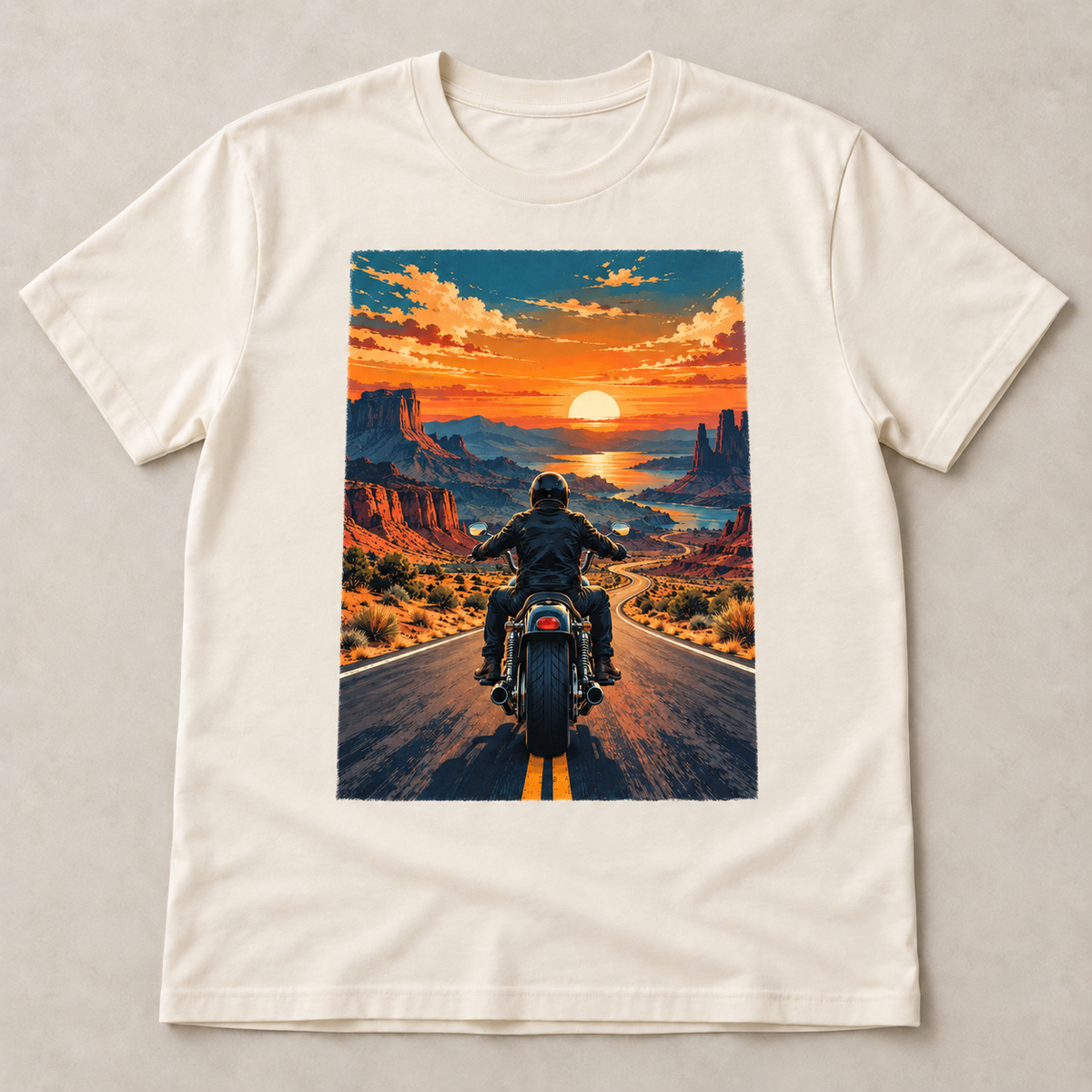
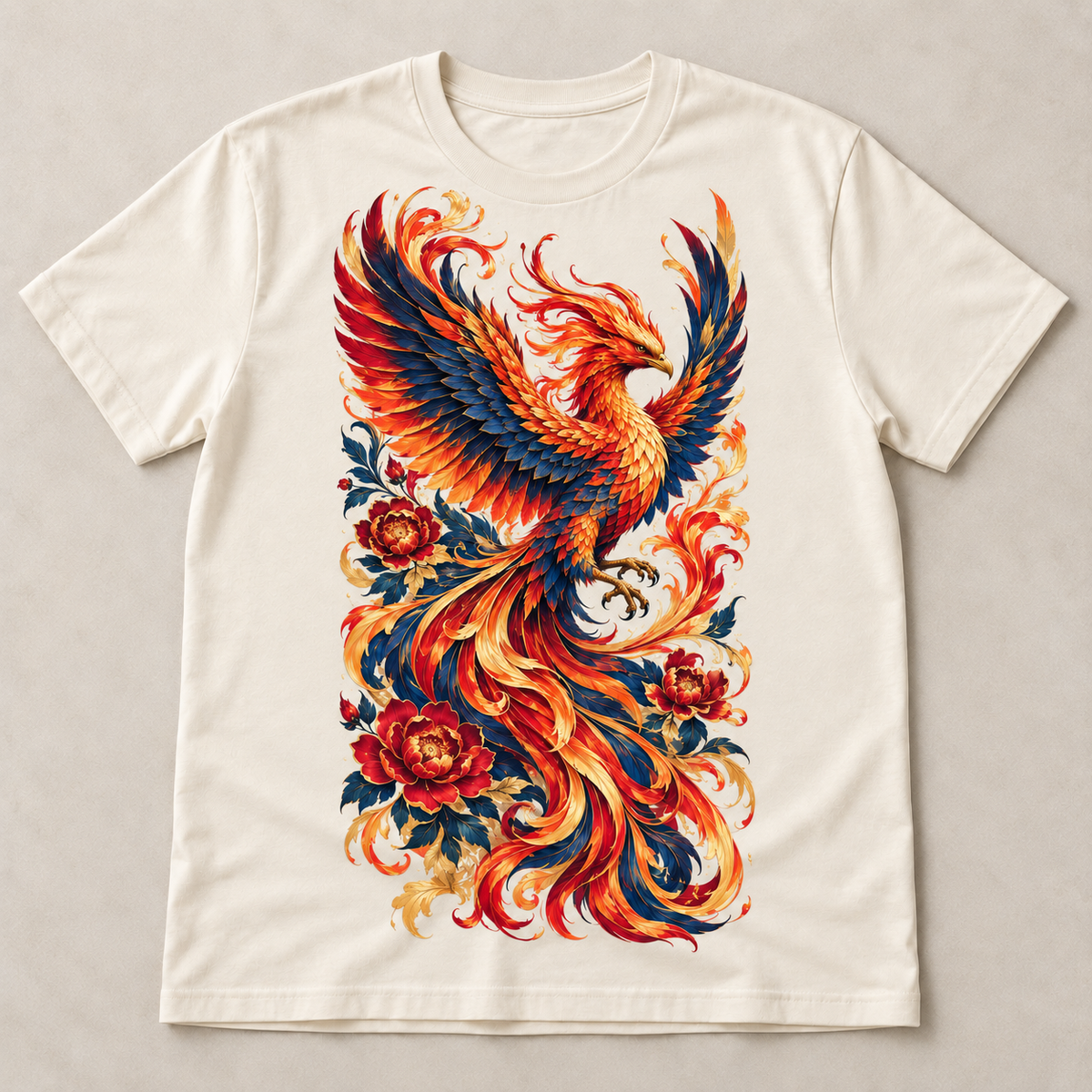
Print one design by size
Choose the transfer size you need, then upload one design.
From $0.99 Printed transfer only · No apparel included-
11x14 in transfer

-
Size examples

-
2x2 in transfer

-
3x3 in transfer

-
4x4 in transfer

-
5x5 in transfer

-
6x6 in transfer

-
7x7 in transfer

-
8x8 in transfer

-
9x9 in transfer

-
9x11 in transfer

-
10x10 in transfer

-
11x11 in transfer

-
11x17 in transfer


 This is a DTF transfer. You will receive the printed transfer only. No shirt or apparel included.
Print one design by size
Choose the transfer size you need, then upload one design.
TryDTF
DTF Transfers by Size
DTF Transfers by Size
Premium DTF Transfer
 Hot peel - easy & fast
 Ultra soft feel - no heavy texture
 Built to last
 Vibrant CMYK + white ink
 Works on cotton, poly, blends & more
 Shipping and Irving pickup
 No Minimum Order
All sizes & prices at a glance
| Size | Price each |
|---|---|
| 2x2 Mini | $0.99 |
| 3x3 Pocket | $1.19 |
| 4x4 Pocket Plus | $1.49 |
| 5x5 Small Chest | $1.69 |
| 6x6 Youth | $1.99 |
| 7x7 Youth Front | $2.49 |
| 8x8 Youth Front | $2.99 |
| 9x9 Adult Front | $3.49 |
| 9x11 Adult Front | $3.99 |
| 10x10 Adult Front | $4.49 |
| 11x11 Large Front | $4.99 |
| 11x14 Full Front | $5.99 |
| 11x17 Oversize | $7.49 |
Use the size selector above, set quantity, then upload your artwork. Printing several designs at once? Build a gang sheet instead — best value →
Custom DTF Transfers by Size
Order individual DTF transfers in clear apparel placement sizes, from small pocket logos to oversize front graphics. Each transfer is printed as a ready-to-press piece so production stays simple and consistent.
Choose by placement
- 2x2 and 3x3 for mini marks, tags, and pocket logos
- 4x4 and 5x5 for pocket-plus graphics and small chest prints
- 6x6, 7x7, and 8x8 for youth front graphics
- 9x9 to 11x14 for adult front and full-front designs
- 11x17 for oversize apparel graphics and statement prints
Print details
- Vibrant CMYK color with white ink support
- Soft feel with hot-peel application
- No weeding, no screen setup, no background box when artwork is transparent
- Works on cotton, polyester, blends, hoodies, totes, and more
Artwork tips
Upload transparent PNG artwork at the final print size whenever possible. A 300 DPI file gives the cleanest edge quality, and designs should be sized before upload so the transfer arrives ready to press.
Artwork requirements
Artwork requirements
- Upload transparent PNG artwork when possible.
- Use final print size and 300 DPI for clean detail.
- We print submitted artwork as-is and do not redraw, recolor, or upscale low-resolution files.
- Gang sheets may arrive rolled instead of pre-cut.
How to use
How to use
- Start by preparing your garment by ensuring that it is clean, dry, and free of any debris or lint.
- Preheat your heat press to the appropriate temperature for the type of garment you are using.
- Position the DTF transfer onto the garment, image side up, and align it according to your desired placement.
- Place a protective cover sheet on top of the transfer, such as a Teflon sheet or heat press parchment paper.
- Close the heat press and apply the appropriate pressure and time according to the type of garment and transfer you are using.
- When the time is up, open the press and carefully remove the cover sheet.
- Inspect the transfer to make sure it has adhered properly. If needed, repress for a few seconds to ensure proper adhesion.
- Allow the transfer to cool for a few minutes before handling or wearing the garment.
- For a matte finish, repress with kraft paper for 10 seconds.
Shipping
Shipping
Orders are printed in Irving, TX. Production timing depends on artwork, order size, and the current queue. Shipping options and local pickup availability are shown at checkout. If you have a firm deadline, contact us before ordering so we can confirm timing.
Return & Refund policy
Return & Refund policy
Custom transfers are printed from the artwork submitted. Please review file size, transparency, spelling, colors, and placement before checkout. If we make a production mistake, contact us with photos and your order number so we can make it right.