Make reorders easier
A reorder flow helps customers return for the same logos, names, and production graphics.

Reorder DTF transfers
Create a simple reorder path for customers who need the same DTF logos, sheets, sizes, or production graphics again.
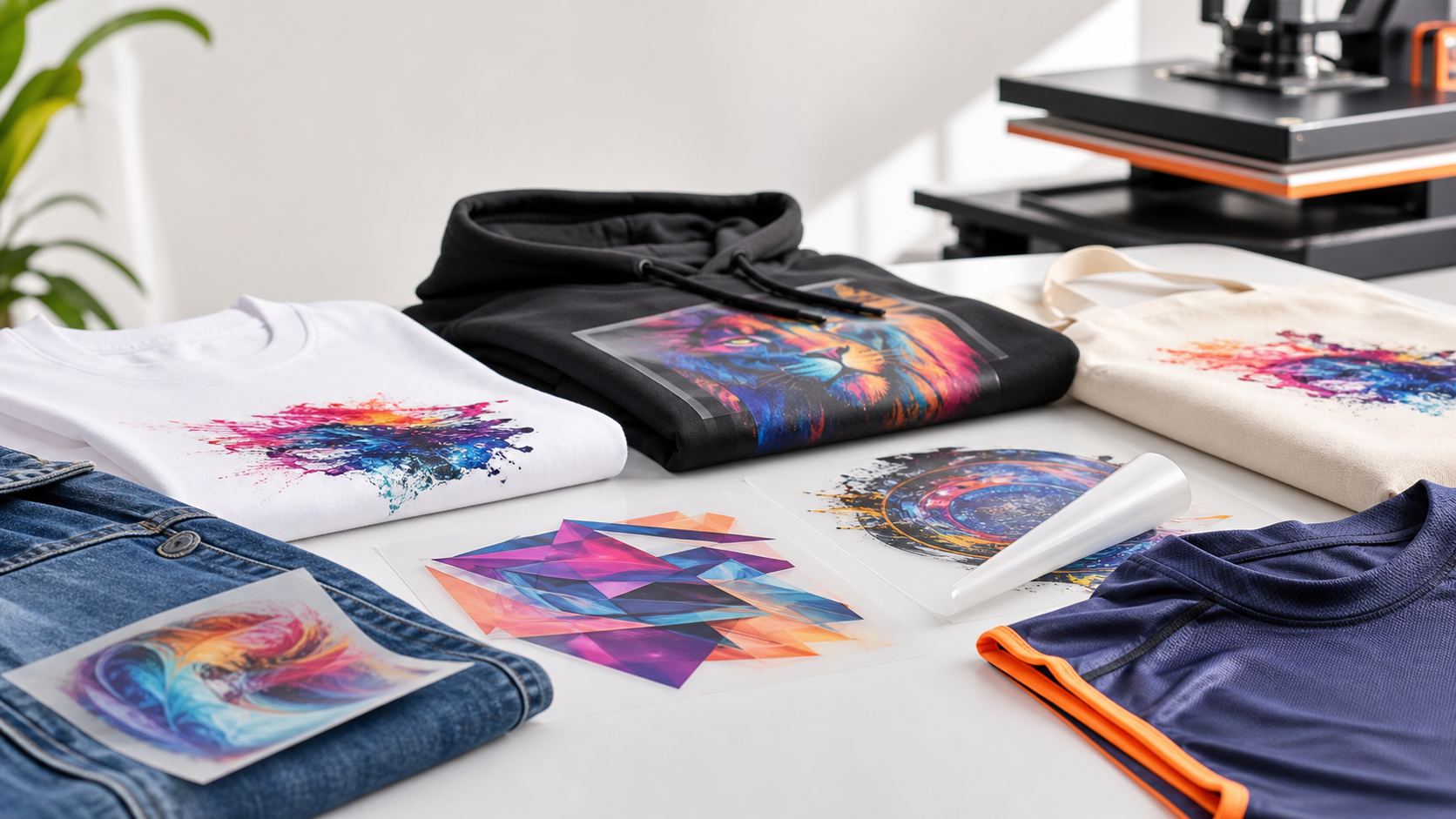
A reorder flow helps customers return for the same logos, names, and production graphics.
Repeatable transfer sizes and saved artwork notes reduce back-and-forth.
A reorder page gives apparel shops a simple path back to production.
Retention flow
Reorders are one of the highest-value flows for a DTF transfer store because customers often need the same logos, team graphics, event designs, and brand artwork again. A dedicated reorder page gives them a clear place to restart the order with fewer decisions.
This page can support email reminders, SMS follow-ups, wholesale accounts, and post-purchase flows once those automations are connected.
Reorder workflow
Use the same file, order notes, or design name from the last production run.
Check placement size, sheet length, and quantity before submitting the reorder.
Use transfers by size or the gang sheet builder depending on the repeat job.
Shop by need
FAQ
Use the same artwork and order details whenever possible. Consistent file names, sizes, and quantities make repeat production easier.
Yes, but resize the artwork intentionally before uploading so the transfer prints at the new final dimensions.
Yes. A clear reorder path helps shops return for customer logos, team orders, event designs, and ongoing apparel jobs.
Use the previous artwork and choose the same size or sheet format for a faster repeat order.