2x2 to 4x4 for small placements
Use compact sizes for left-chest logos, sleeve marks, hat patches, neck labels, and small merch details.

DTF transfer size guide
Choose the right DTF transfer size for pocket logos, youth fronts, adult fronts, full fronts, and oversize apparel graphics.
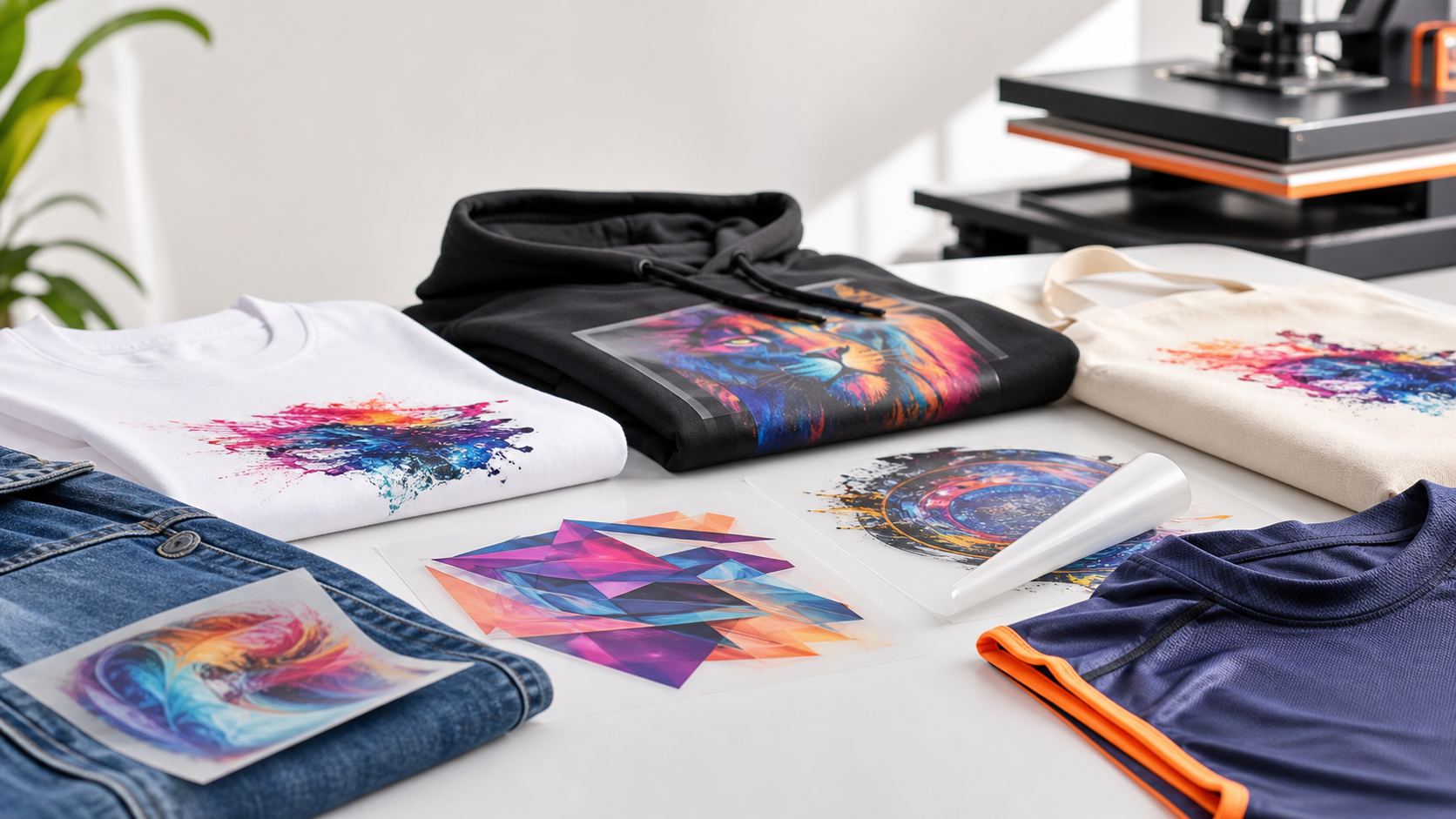
Use compact sizes for left-chest logos, sleeve marks, hat patches, neck labels, and small merch details.
Youth and adult front placements stay easy to order with sizes that match common shirt and hoodie layouts.
Choose oversize transfers for bigger front prints, back prints, streetwear graphics, and bold merch drops.
Sizing help
The best DTF transfer size depends on the garment, artwork shape, and placement. Small square logos usually work best as 2x2, 3x3, or 4x4 prints. Youth fronts and compact adult graphics often land in the 8x8 to 10x10 range. Larger apparel graphics use 11x11, 11x14, or 12x17 depending on the look you want.
For production runs with several sizes or repeated logos, a gang sheet can be more efficient. For simple one-design orders, individual transfers by size keep ordering fast and clear.
How to choose
Check the garment panel and decide how much space the design should occupy before exporting the file.
Pick the size that fits the artwork proportion without stretching or crowding the garment.
Send transparent artwork at final print dimensions so the transfer arrives ready to press.
Shop by need
FAQ
A 3x3 transfer is a strong default for many left-chest logos. Choose 2x2 for tiny marks and 4x4 when the logo needs more presence.
Adult front prints commonly fit between 9x11 and 11x14 depending on the artwork shape, shirt size, and desired look.
Yes. Export the artwork at the final print size with a transparent background so the transfer is produced at the intended dimensions.
Use the size guide, pick the closest placement, and upload artwork that is ready for premium DTF printing.